Join Divisions
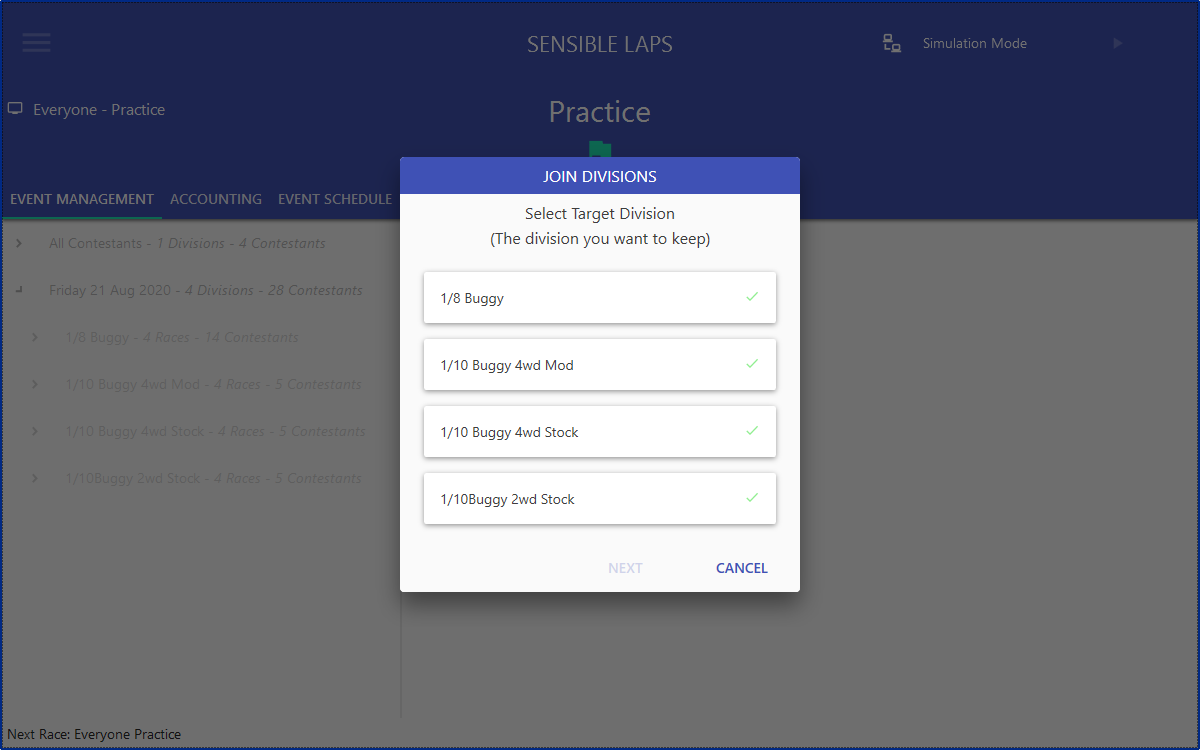
The Join Divisions dialog merges one division into another. Open it by right-clicking the event in Event Management.

First, select the target division — the one that will be kept. A green tick means it's a valid target. Requirements:
- No completed mains
- No partially complete rounds
Next, select the source division — this is removed after its entries and completed races move to the target. A green tick means it's a valid source. Requirements:
- No completed mains
- No partially complete rounds
- No matching transponders in the target division
- No matching name in the target division
- Last complete race is the same round as the target

Completed races are added into the matching round (e.g. Qualifying 1) as though the round was split: the target's race becomes group A and the source's becomes group B. A reseed runs after the join to fix qualifying order.
Note
If the combined entry count is too large, the remaining rounds may need to be split. If the target is already split, entries are distributed evenly across the un-run races.