Division Days
For events that span multiple days, divisions can be assigned to specific days.
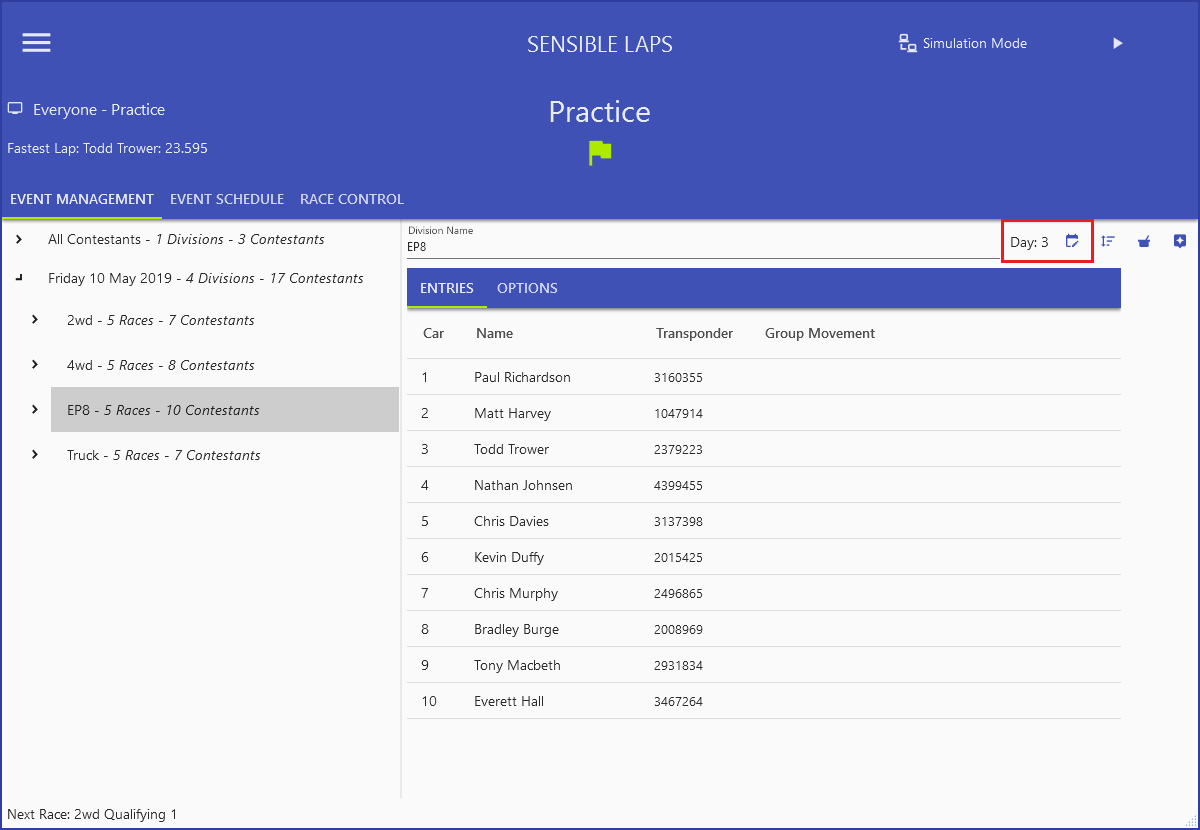
Set the day on the Division Detail screen in Event Management.
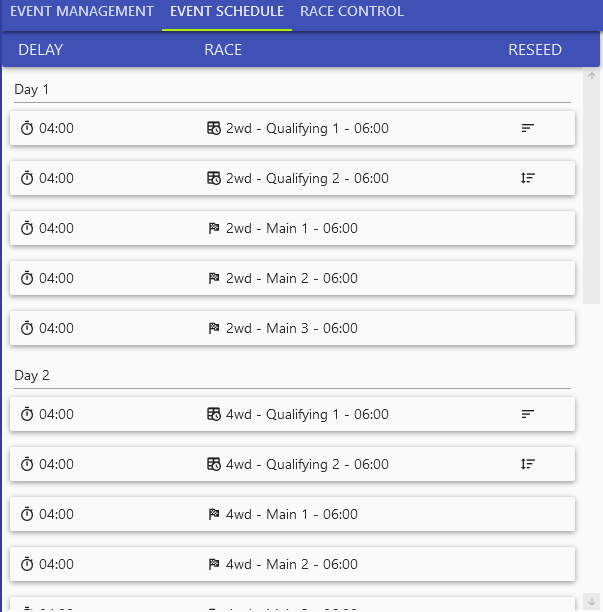
Changing a day reorders the divisions and rebuilds the schedule so that divisions running on the same day are grouped together. The event pauses as it transitions from one day to the next.